
Track your shipment online — Saigon Speed Express
Enter your AWB below to view the journey. Reference transit times are on our Transit times hub; documents are covered under Customs & documentation.
Tracking FAQ
- Where do I get my AWB / tracking number?
- After the parcel leaves the warehouse, SSE sends the number via your registered channel (Zalo/email/SMS). Check spam if you do not see it.
- Status has not changed for several days — is that normal?
- The parcel may be in flight, waiting for a connection, or in clearance. If it exceeds the reference SLA on the transit-times hub, contact support with your AWB.
- How does a customs hold appear in tracking?
- Depending on the partner — often a document / inspection milestone. Have the invoice and recipient phone ready; see the Customs hub.
- Do I need to log in to track?
- Guests can track with an AWB on this page. A portal account also shows order history.
Operations in Ho Chi Minh City
Warehouse, packing and air departure photos — real process, not partner logo walls.
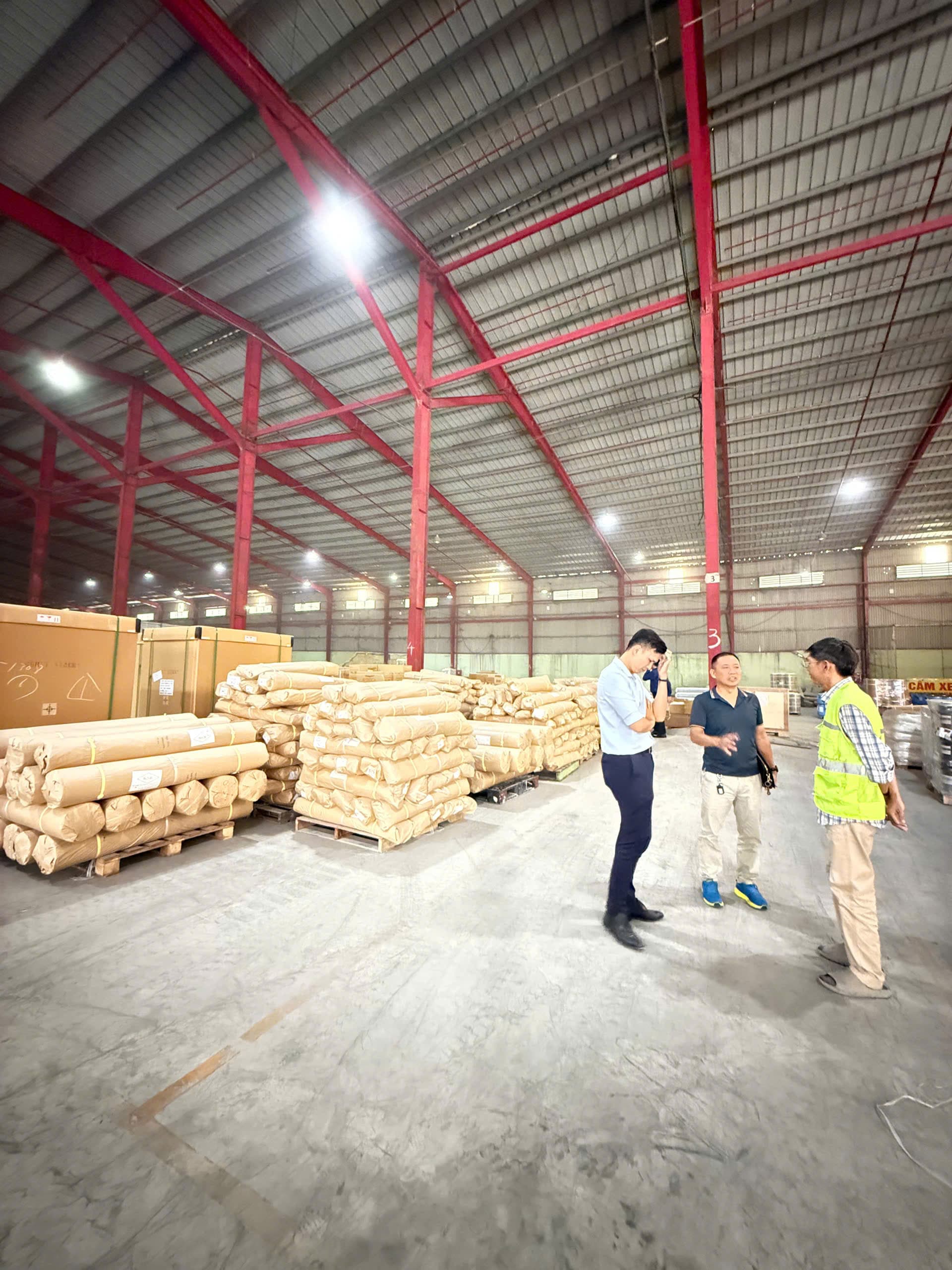
Kho kiểm soát kiện trước khi xuất
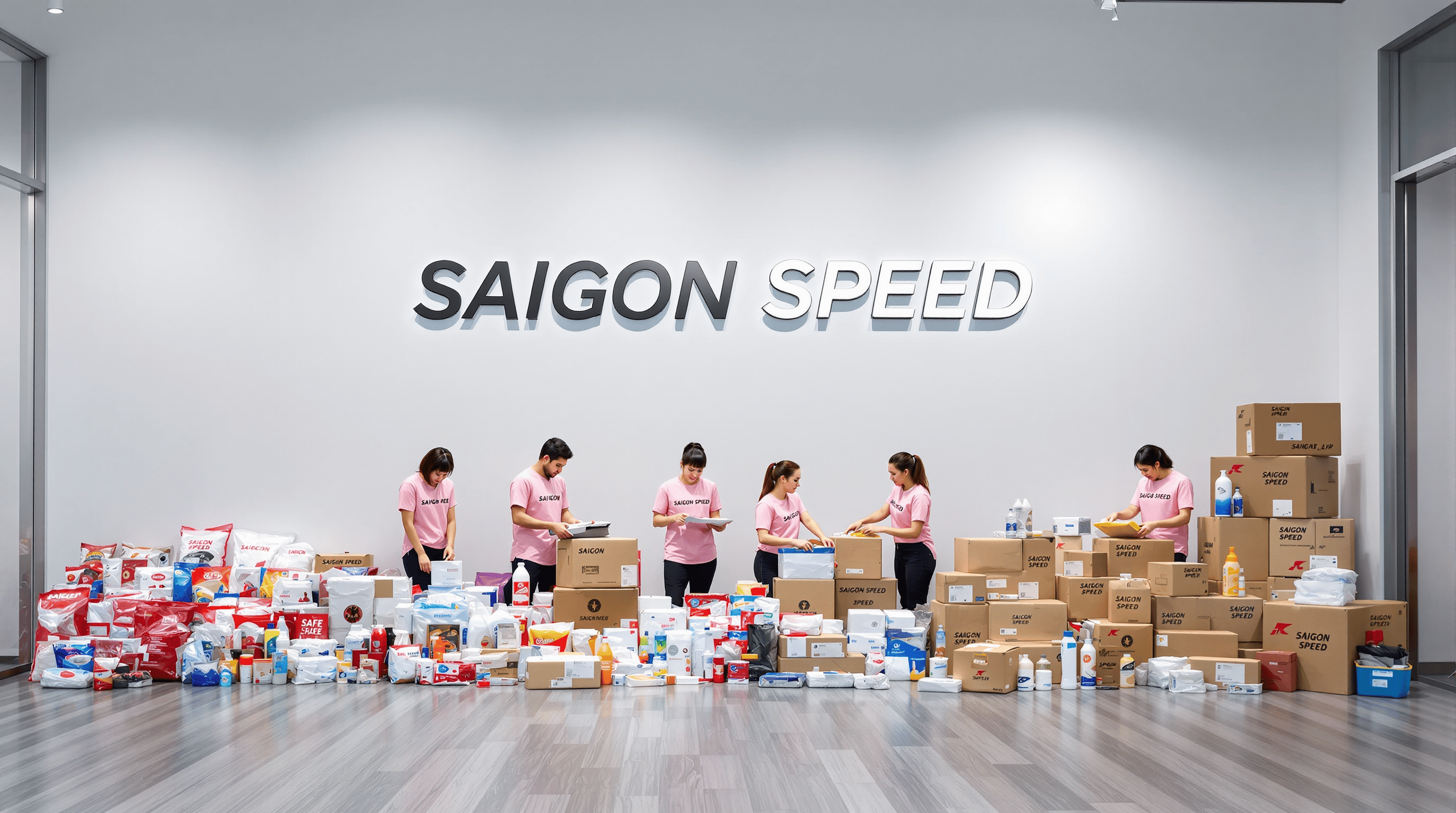
Đóng gói / chèn lót trước khi bay
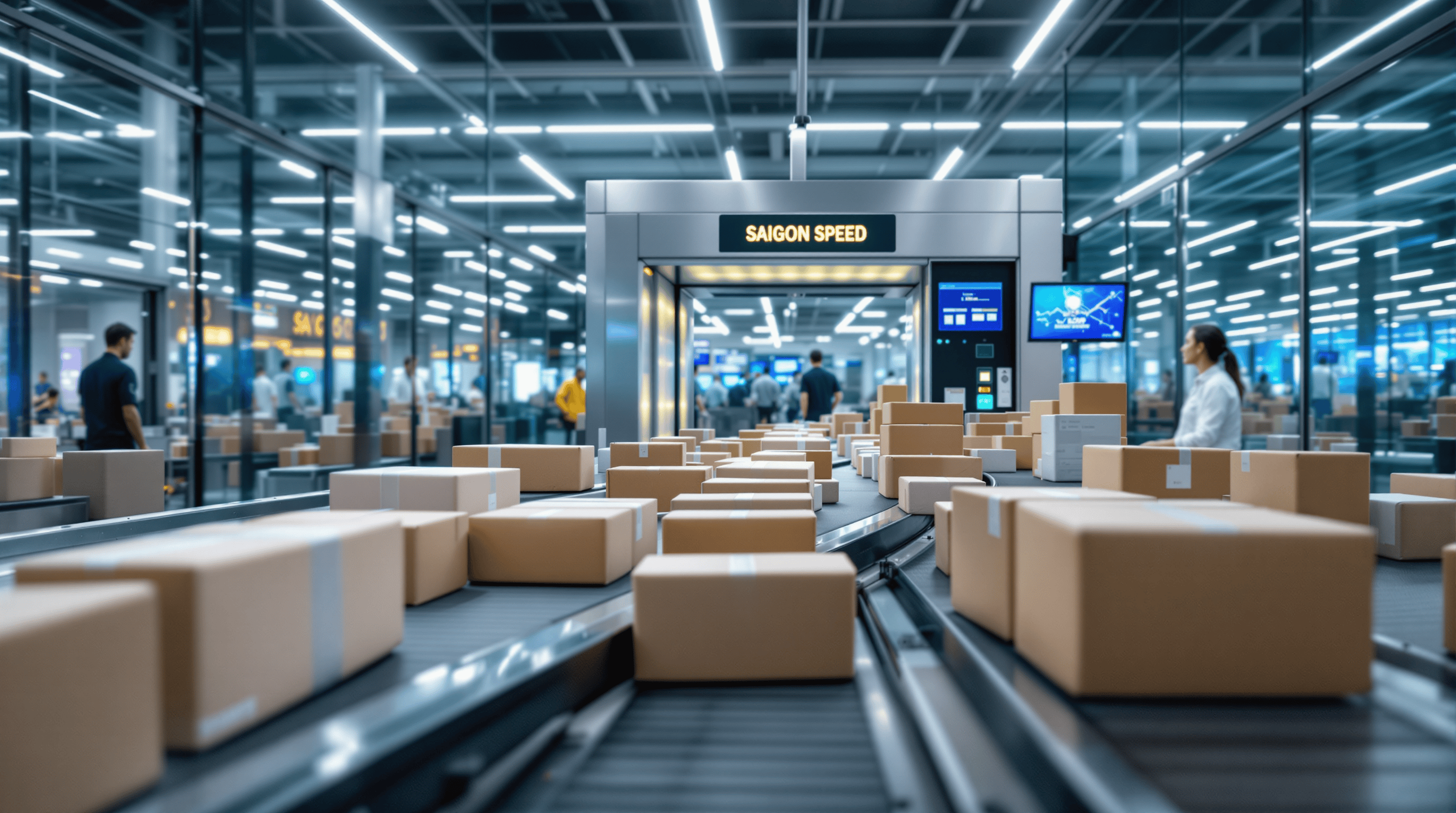
Xuất phát hàng không từ HCMC
Quote & pickup process
Skip vague “Contact us now”. Follow 4 steps — send parcel photos via 0889 741 931 or ssechqt@gmail.com when you need to attach files.
- 1
Estimate your need
Choose a route (USA, Canada, Australia…) and review SLA / restricted goods on the landing or transit hub.
View reference transit times → - 2
Send parcel photos
Photograph all sides + cm + kg. Describe on the form and send files via hotline/email — the form does not accept uploads yet.
Open quote form → - 3
Receive a quote
Our desk replies with chargeable weight, surcharges and a document checklist during business hours.
How to read a quote → - 4
Schedule pickup
Confirm the option → book HCMC pickup or drop at warehouse → track with your AWB here.
Track shipment →